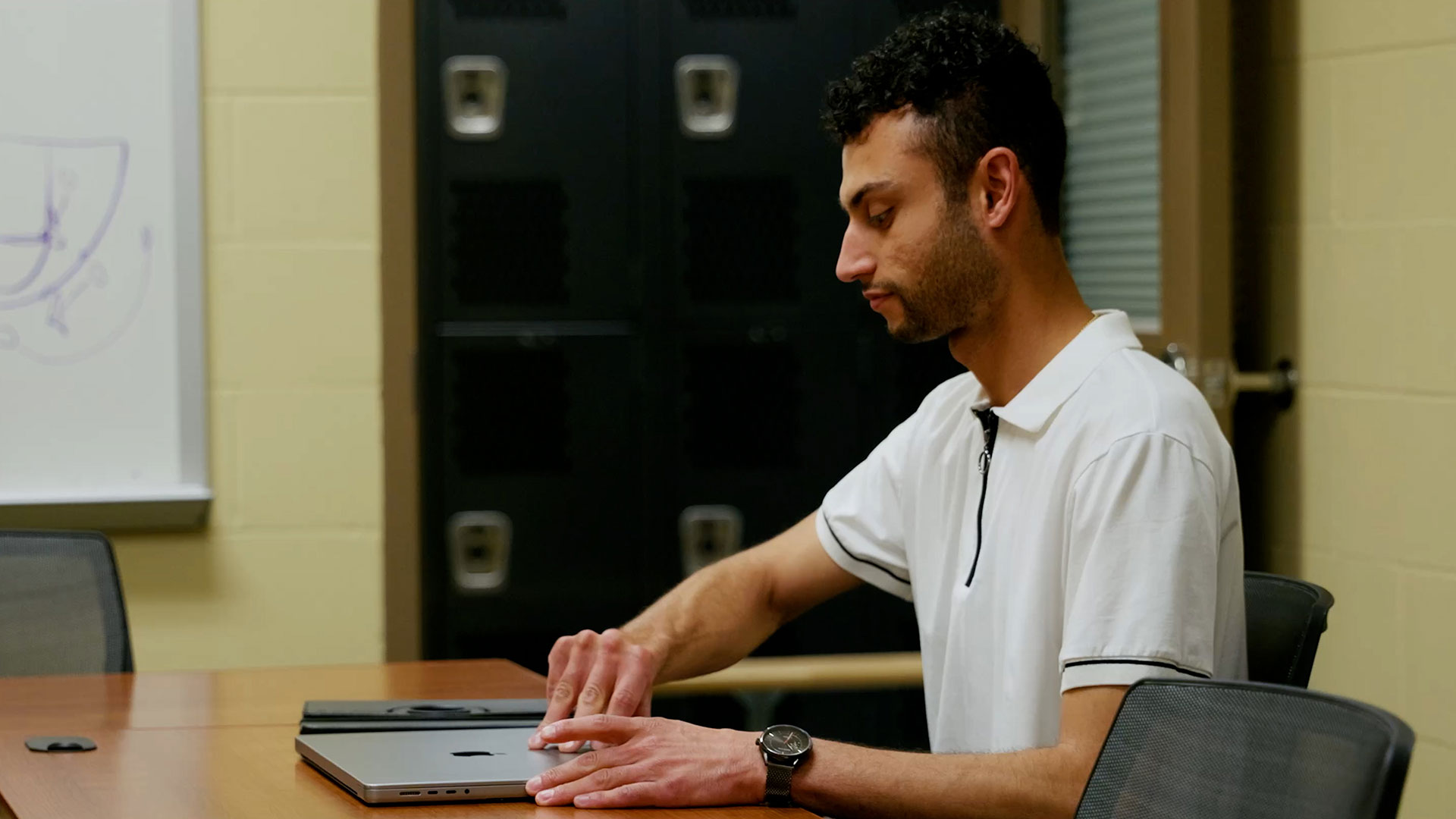
Switch to ScoreVision Advertising Software
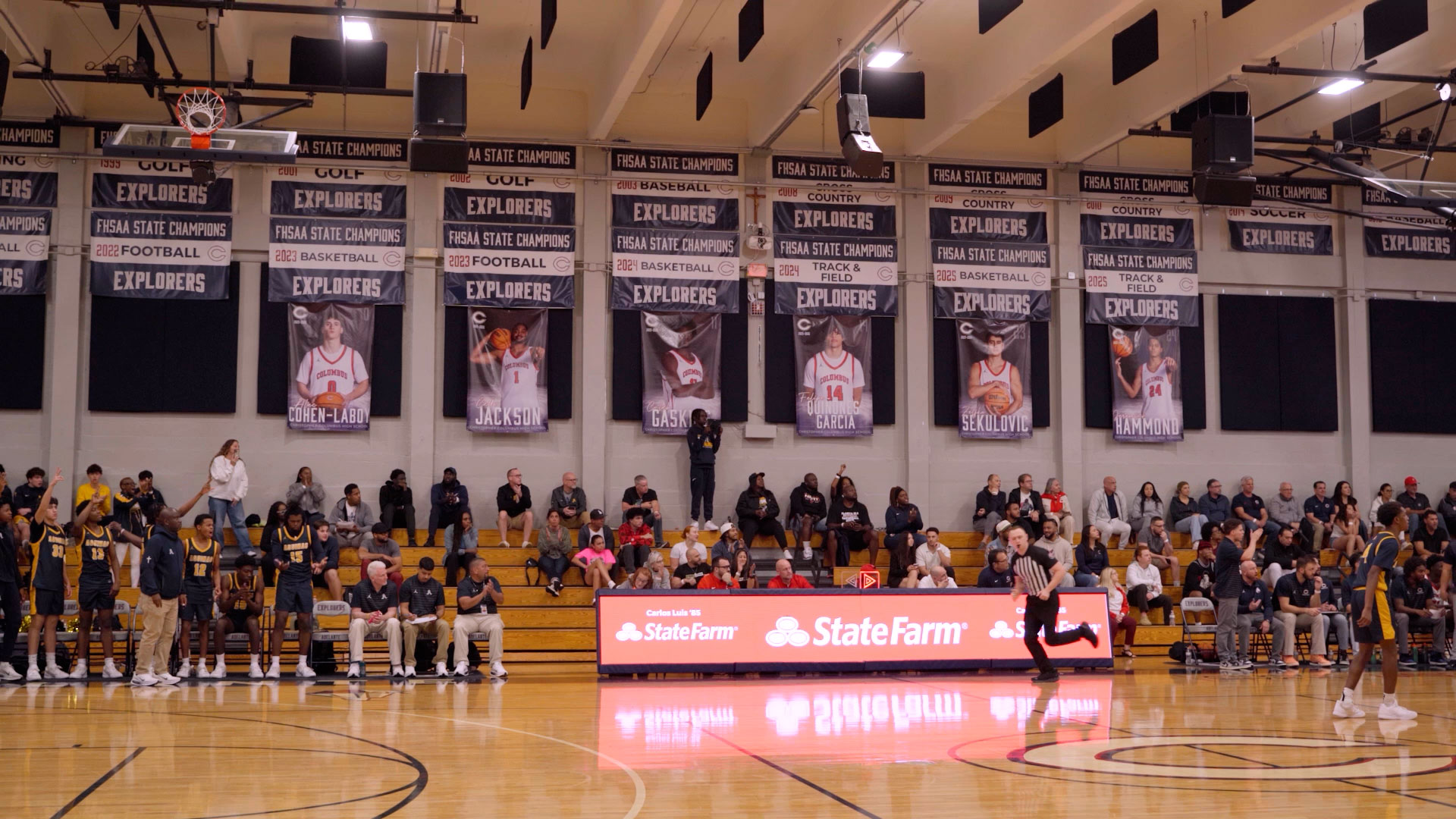
Manage Ads on Your Scorer's Table
Frequently Asked Questions
Absolutely! Depending on your iPad model you'll need either a USB-C to HDMI adapter or a Lightning to HDMI adapter to get connected.
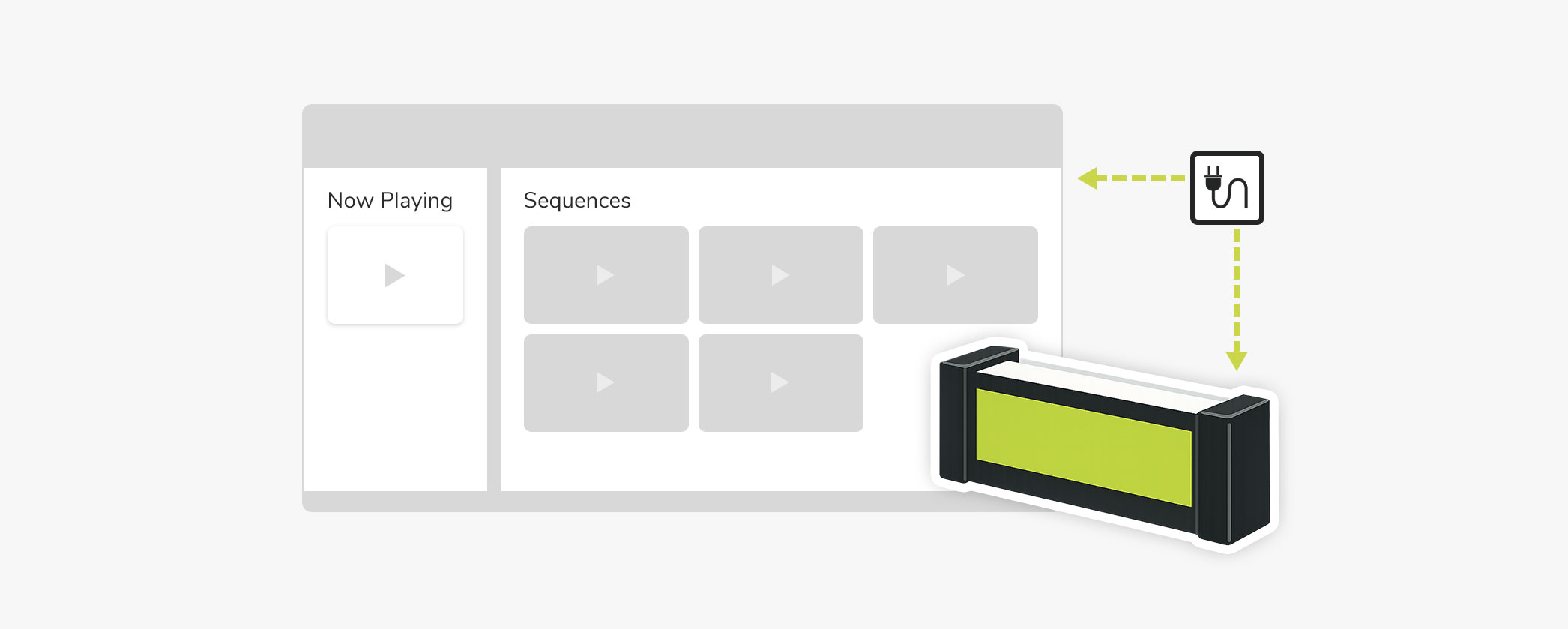
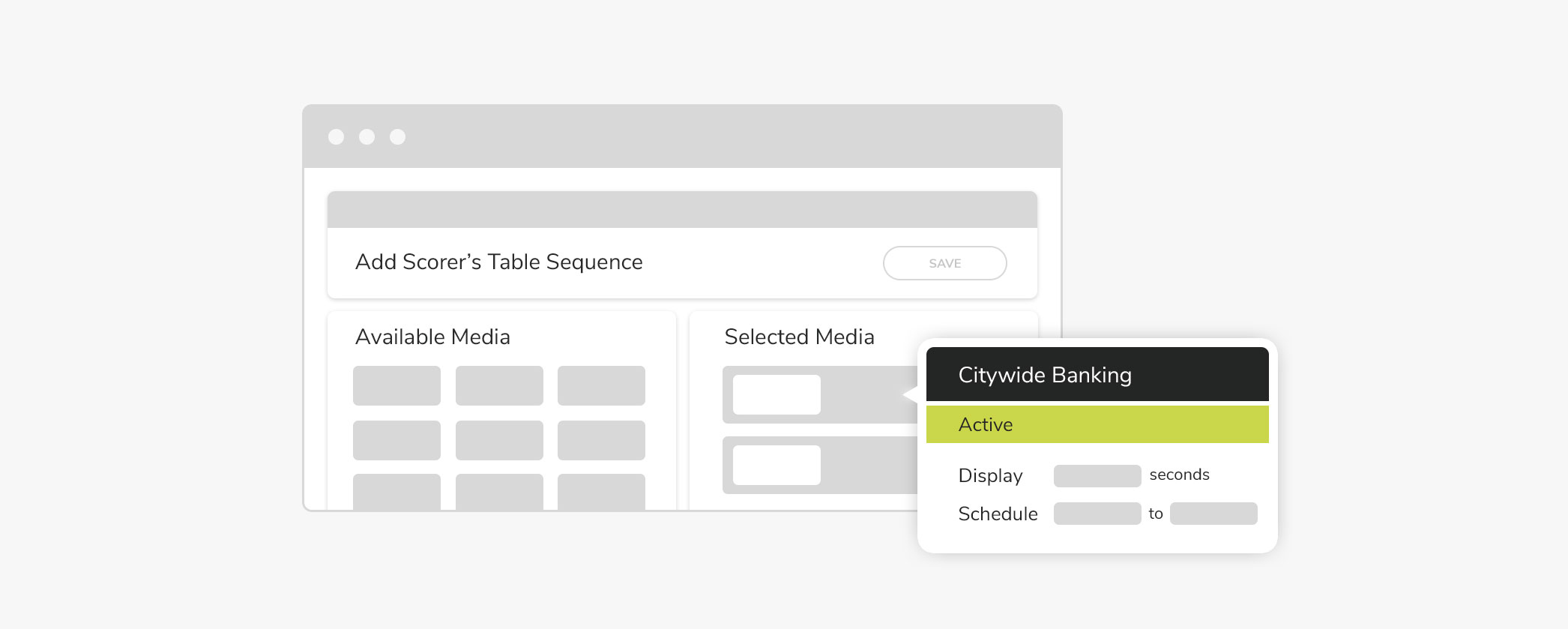
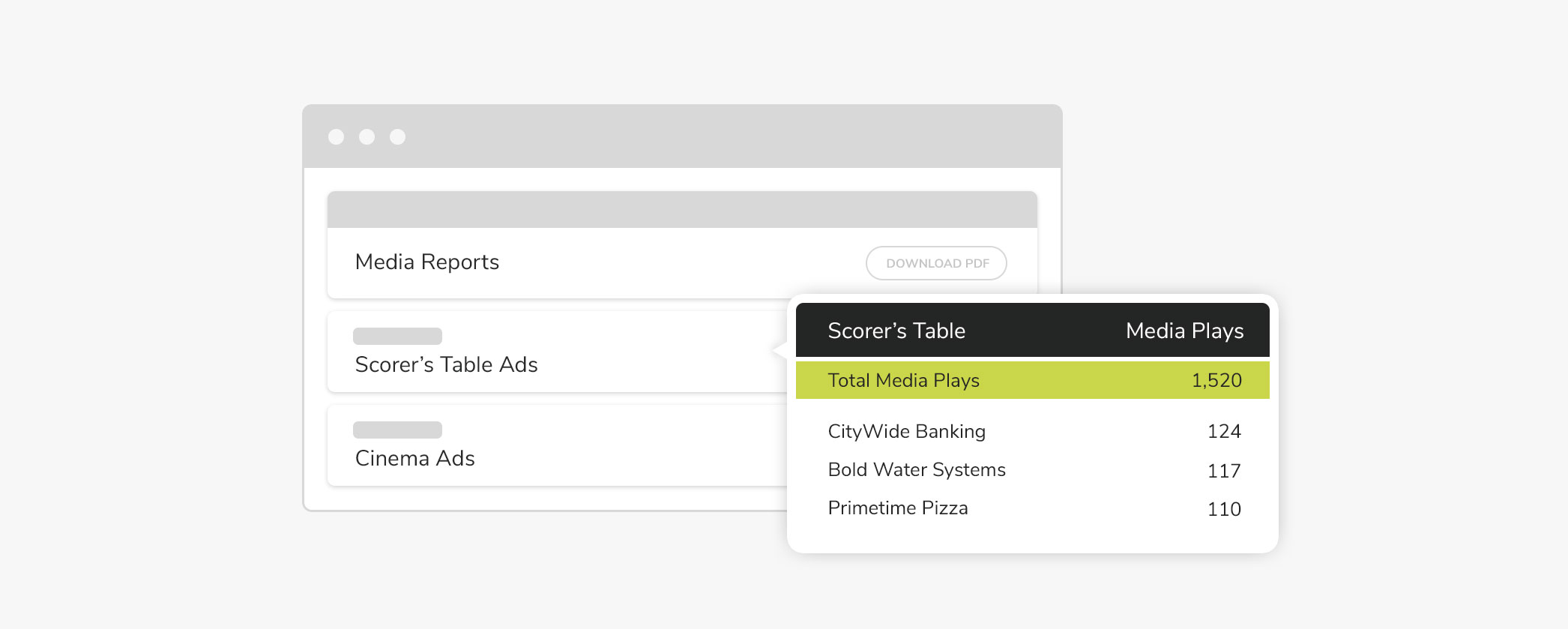
All advertising is managed directly within ScoreVision Cloud using our sequence builder. Simply assign a duration to each ad and set your preferred rotation order. Once your sequence is created and activated, it will automatically appear on the iPad in the Table Advertising App.
No. You only need internet for loading media and letting it download in the Table Advertising app. Once the app has synced, the ads will run regardless of an internet connection.
Please note that ScoreVision's Table Advertising package does not include an iPad or adapter — these will need to be sourced separately.
Getting started is quick and easy! Once your purchase is complete and payment has been processed, ScoreVision will have your account set up and ready to access the ScoreVision Cloud usually within 24 hours.
Teams Nationwide are Making the Switch